Why is TaskFire the best To-Do List App for the iPad?
Keeping your life in order is hard sometimes. But Todo Cloud is here to help. Our app makes time management and task-completion easy with three awesome, unique features right on your iPad.
One: Everything at a Glance
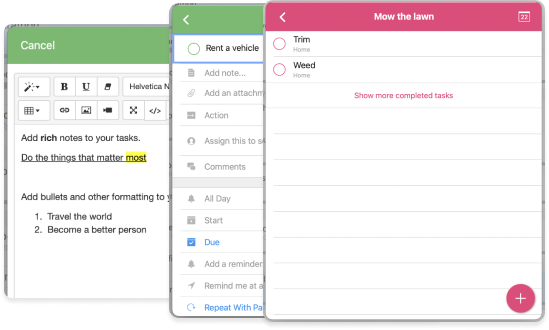
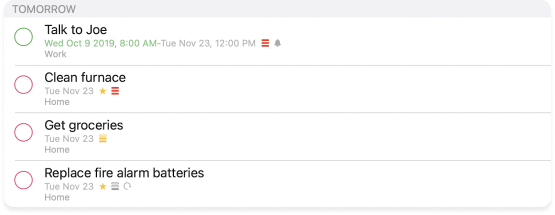
See everything you need to do on Todo Cloud’s homepage. All the tasks can be organized into different folders and arranged in order of priority. You can view all the tasks in both a list and calendar format. Visualizing your to-dos on your iPad is a great way to get started and not feel overwhelmed.
Two: Forget Nothing
Remember all of your tasks with Todo Cloud’s easy-to-set reminders. You can set as many reminders as needed, sync reminders across all devices, and set reminders to be location and time-specific.
Three: Organization like Never Before
Remember all of your tasks with Todo Cloud’s easy-to-set reminders. You can set as many reminders as needed, sync reminders across all devices, and set reminders to be location and time-specific.
Increase Your Productivity, Get More Out of Your Day
Are you feeling unmotivated to do your tasks? Say goodbye to these feelings with Todo Cloud. Just the act of setting and achieving goals will give you the motivation needed to complete your tasks. The built-in reminders will help you never forget a task or miss a deadline. With Todo Cloud, you will get stuff done.
Totally Free iPad To-Do List App
Get your life in order with ZERO cost. The free version of Todo Cloud includes:
Unlimited tasks, checklists, and projects
Ability to set time and location-specific reminders
Allows you to add comments, notes, and attachments to each task
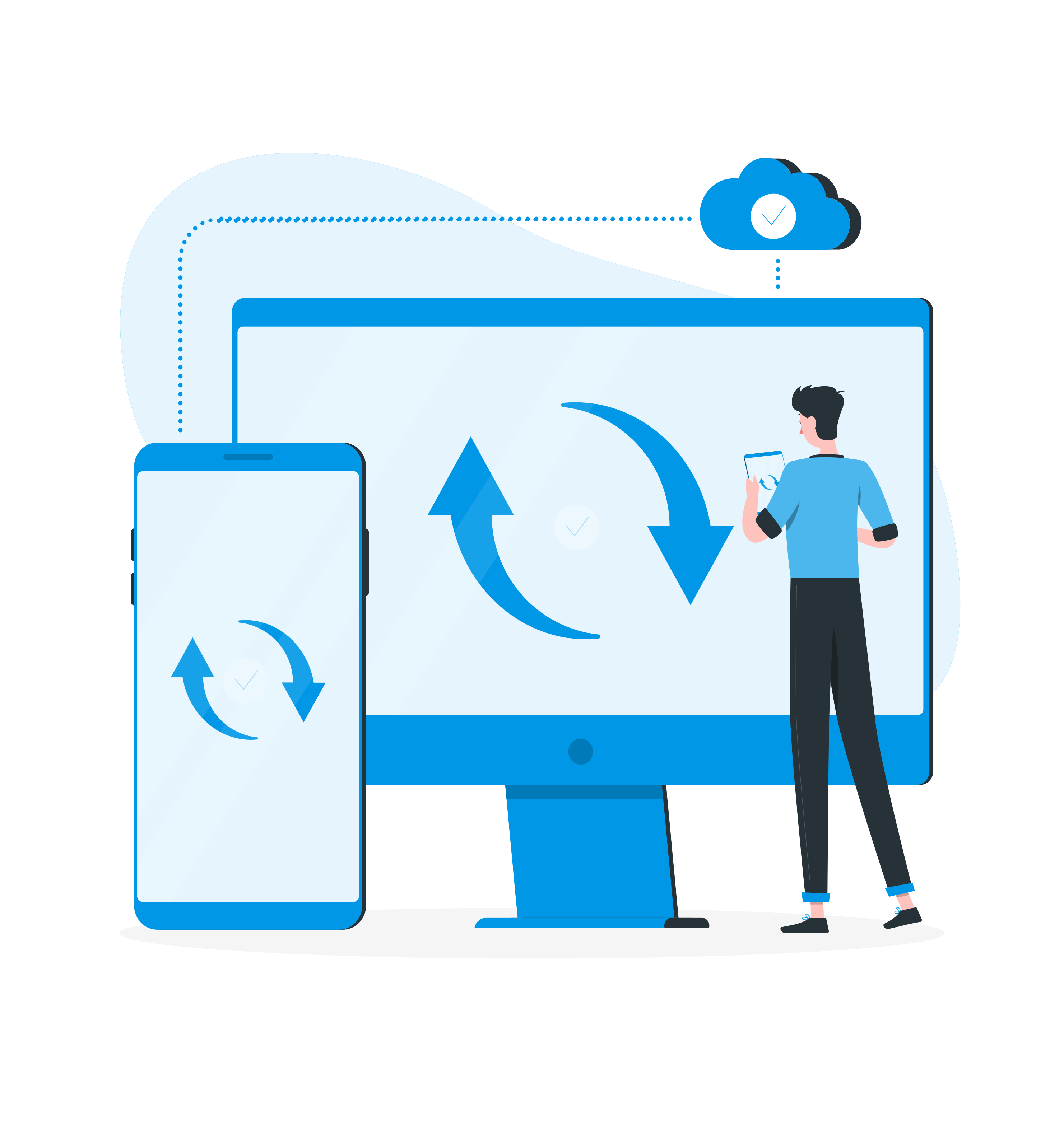
Syncs across all of your devices
You can also upgrade to our PREMIUM or TEAM versions of the app to unlock additional features for less than the cost of your daily latte ($2.50-$4 a month)!
Easily Organize and Prioritize To-Dos
Set the priority of your tasks to three levels: low, medium, or high.
Control start and end dates for each of your tasks and projects.
Add notes, comments, and attachments to each task.
Todo Cloud is available to download in the IOS and Android app stores. Once you create an account, it can be synced across all of your devices. So you can access your tasks from anywhere.
A To-Do List App With Geotagging and Smart Reminders
Geotagging allows you to assign a task to a certain location and our smart reminders will alert you of your tasks when you arrive or leave the geotagged location with your iPad. Don’t carry your iPad with you everywhere? No problem, your to-dos sync across all your mobile and desktop devices. You can set these reminders within the settings of each task.